Accounting Software Basics: Your Questions Answered
When it comes to running a business, one of the most common challenges is keeping the accounts in order. Whether you’re self-employed, managing a growing company or simply curious about how accounting software works, understanding the accounting software basics can save you time, stress and even money.
At Business Accounting Basics, we make it our mission to help you get to grips with the essentials, while also pointing you towards software solutions that fit your needs.
Below, we’ve answered some of the most common questions we hear about accounting software and how our free resources and recommendations can help.

Q: What do we mean by ‘Accounting Software Basics’?
A: Accounting software basics refer to the fundamental tools and features that help businesses record, track, and manage their finances. These include creating invoices, managing expenses, reconciling bank transactions, generating reports and ensuring compliance with tax regulations.
Our website offers clear, practical explanations of these essentials through our free accounting basics resources. Whether you’re completely new to bookkeeping or just need a refresher, our guides are designed to make the subject less daunting and much more approachable.
Q: Why should small businesses use accounting software instead of spreadsheets?
A: It’s a fair question, after all, spreadsheets have been the go-to solution for years. However, as your business grows, spreadsheets can become overwhelming and prone to errors. Accounting software automates repetitive tasks, provides real-time financial insights and makes processes like tax returns much easier.
Using software also ensures you stay compliant with requirements like Making Tax Digital (MTD). Instead of worrying about whether your formulas are correct or whether you’ve missed a transaction, software gives you confidence that your accounts are accurate and up to date.
Q: Which accounting software do we recommend?
A: We’ve tried and tested some of the leading accounting software available in the UK and we recommend two standout options for small business owners and the self-employed:
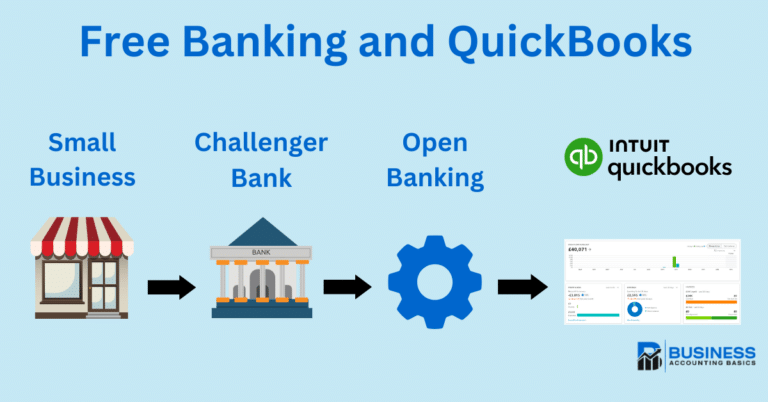
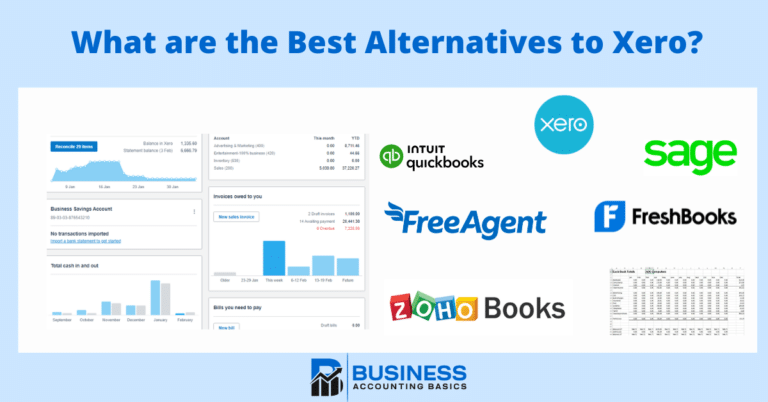
- QuickBooks – Popular with freelancers and small businesses, QuickBooks is user-friendly and offers powerful features like invoicing, VAT tracking, and cash flow forecasting. It’s designed to make financial management simple, even if you’re not an accountant.
- Xero – Xero is another excellent option, particularly for growing businesses. It offers robust reporting, easy collaboration with accountants and hundreds of integrations with third-party apps. Its clean design makes it approachable for beginners, while still providing the depth more advanced users need.
Accounting Software Best Deals
Sage UK – 90% for 6 Months – FREE plan for Sole-Traders, AI tools for bookkeeping automation
XERO – 90% Discount for 6 Months – Cloud accounting, unlimited users, smart bank feeds

QuickBooks – 90% Discount for 7 Months – Invoicing, expense tracking, payroll, financial reports
We share these recommendations through affiliate links, meaning that if you choose to sign up via our site, we may earn a commission at no extra cost to you. This helps us keep producing free content and resources for all of our readers, including you!
Q: Is accounting software difficult to learn?
A: Many people worry that switching to accounting software will be complicated but, rest assured, modern platforms are designed to be intuitive and simple. For example, QuickBooks and Xero both provide simple dashboards, guided set-up processes and plenty of tutorials to help you get started.
We also provide free guides on accounting software basics to support you through the learning curve. Think of it as a safety net: you’ll have step-by-step help on everything from creating your first invoice to reconciling your bank statements.
Q: How can accounting software save me time?
A: Imagine no longer needing to enter every transaction manually or chase missing receipts: With accounting software you can:
- Bank feeds automatically import transactions.
- Recurring invoices can be scheduled.
- Expense claims are simplified with the use of receipt scanning.
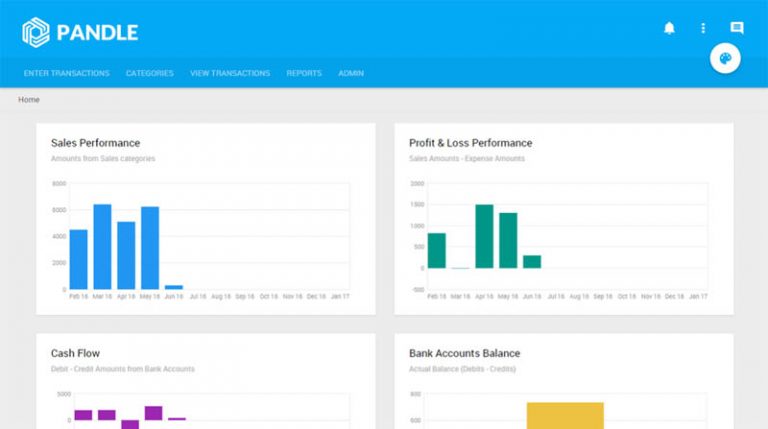
- Reports are generated instantly.
Instead of spending hours on admin, you can focus on growing your business. That’s one of the biggest benefits of making the switch.
Q: What about costs? Will it be expensive?
A: One of the myths about accounting software is that it’s only for big companies with big budgets. In reality, QuickBooks and Xero offer affordable monthly subscriptions; often starting with free trials or discounted plans for new users.
When you consider the time saved and the potential reduction in errors (which could cost your business in fines or lost income), the software quickly pays for itself.

Q: Where can I learn more before making a decision?
A: We understand that choosing accounting software is a big step, which is why we encourage you to explore our free accounting basics resources first. These cover everything from understanding double-entry bookkeeping to learning about cash flow management.
Once you feel confident with the fundamentals, you can explore our affiliate links to QuickBooks and Xero, test their free trials, and decide which software suits your needs best.
At Business Accounting Basics, our goal is to make accounting less intimidating and more manageable for everyone. We’re here to provide free resources, practical advice, and trusted software recommendations.
So whether you’re just starting out or looking to streamline your existing processes, dive into our free guides and try out QuickBooks or Xero for yourself. You might be surprised at how much easier accounting can be when you have the right tools in place.