

Bank Reconciliation – How to Reconcile Your Bank Account
Learn how to complete a bank reconciliation with our step-by-step guide and free Excel template to compare your bookkeeping records with your bank statement, identify differences and keep your accounts accurate.
Bank reconciliation is an important part of small business bookkeeping. It involves comparing the transactions recorded in your accounts with your bank statement to ensure the balances agree. Regular reconciliations help identify missing transactions, duplicate entries, bank charges and other errors.
This guide explains how to complete a bank reconciliation step by step, with a worked example and a free Excel template to help you get started. We also look at how accounting software can make the process easier.
Businesses should reconcile all their bank accounts, including current and savings accounts, as well as credit card accounts. Bank balances are normally shown as current assets on the balance sheet, while overdrafts and outstanding credit card balances are generally recorded as liabilities.
Disclosure: This content may contain affiliate links, which means if you click on them, I may get a commission (without any extra cost to you).
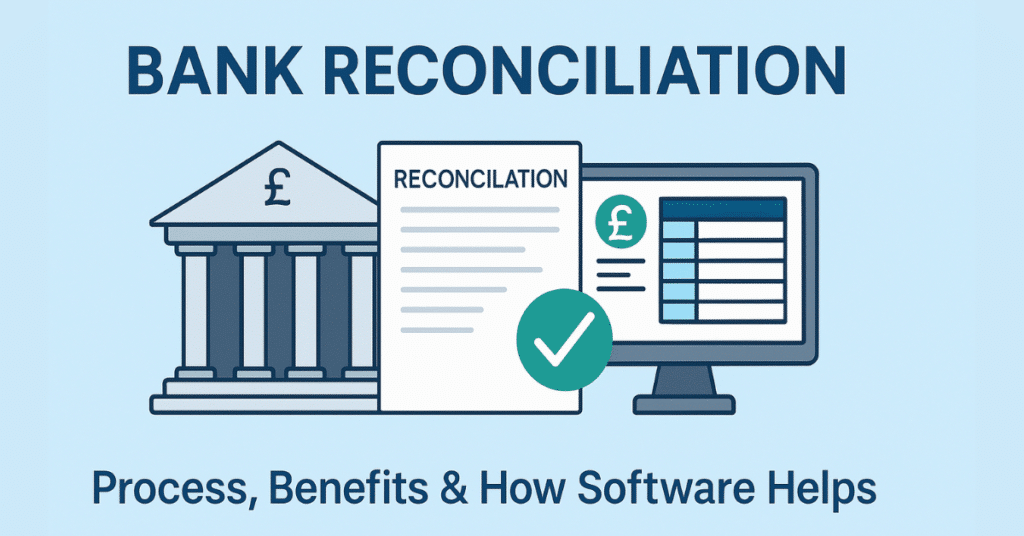
If you use accounting software like Sage UK, Xero or QuickBooks with a bank feed or the ability to import transactions, it will be easier to have the correct figures in your accounts. Bank feeds are generally accurate; however, mistakes can occasionally occur. Completing the reconciliation will ensure that the figures are correct; however, it will not detect if the transaction is posted to the wrong account code.
How often do I Reconcile Bank Statements?
It depends on the size of the business, the frequency of accurate reports, and how tight cash flow is. A larger company may need to reconcile bank statements daily or weekly, but a small business may only need to reconcile monthly.
Complete your reconciliation regularly when your bank statement is available. Banks are reducing paper use and, in some cases, no longer send account statements. If this is the case, you can view them online or download them from your bank.
A bank reconciliation is required to prepare year-end accounts and ensure the records in the accounting system match those in the bank. The figure is part of the balance sheet.
If you are VAT-registered, complete the reconciliation before submitting the return. It ensures that all the transactions in the bank are posted to the accounts. Don’t rely on this alone; you also need to include transactions not listed on the bank records.
If you have multiple bank accounts or credit cards, you will need to prepare a bank reconciliation for each one.
Why are Bank Reconciliations Prepared?
Comparing your bank statement to the cash book ensures all deposits and withdrawals are posted, and all transactions are complete. If you compare the statements to the accounts and notice a difference in the balance figure, you need to prepare a bank reconciliation.
Your bank statement may also include items that can only be identified by checking them, such as bank charges, bank interest, and payments made via direct debit or standing order.
Any errors in the statement period will also be found and corrected. These errors may include the following:
- Writing or posting the wrong amounts to the cash book or general ledger.
- Double Payments or missed payments.
- Help detect fraud or theft.
- Keeping track of accounts receivable and payable
Advantages of Using Accounting Software for Reconciliation
Bank reconciliation software is a digital tool that enables businesses to quickly and accurately match their accounting records with their bank statements. It automatically imports bank transactions, compares them to your bookkeeping entries, and highlights any differences.
They reduce manual work, speed up the reconciliation process, and minimise the risk of errors. Popular examples include QuickBooks, Xero, and Sage UK, which integrate directly with your bank to keep your accounts current. An example is below:

The main advantages of accounting software include importing a bank statement or using a bank feed. Although a bank feed saves time, I have also encountered instances where it posts duplicate transactions.
Advantages of Having a Separate Bank Account for Business
When completing a bank reconciliation statement, you need to prepare one for each bank account the business has.
If you don’t have a separate business bank account, it’s worth opening one for the following reasons.
- Easier to complete reconciliation statements.
- It keeps personal and business finances separate.
- Easy to see the bank balance.
- If you use accounting software, most include a bank feed, which saves time on data entry.
- All the bank transactions are in one place.

Bank Reconciliation Statement Template
A bank reconciliation worksheet will calculate the differences between the bank statement and the cash book. Some of these differences may be due to timing, especially near the statement end date.
Timing differences can occur for the following reasons:
- The time involved in the post
- Payments can take several days to clear the bank
- Bank receipts completed after the bank’s closing time.
Here is an example of an Excel bank reconciliation statement.

The example shows two unpresented cheques and one sales receipt. The reconciled balance then equals the bank balance.

The example shows two unpresented cheques and one sales receipt. The reconciled balance then equals the bank account balance.
Bank Reconciliation Process
Here is a bank reconciliation process to help you reconcile your bank statement:
- Check that the opening balance of the records is the same as the bank statement
- You will need to check off (tick) any payments and receipts which appear in both the cash book and bank statement.
- Make any required amendments to the cash book. These are items that appear on the bank statement but are different or missing from the cash book.
- On the Bank reconciliation template, list any payments which are not cleared.
- List any payments received which have not been cleared.
- Enter the totals from the cash book and bank statement into the reconciliation statement.
- When you complete this, the bank’s ending cash balance should equal the reconciled balance.
If there is any discrepancy, review it again; it’s easy to overlook small mistakes. It is sometimes helpful to determine the exact amount of the difference, making it easier to identify and address. To do this, take the balance from the reconciled statement and deduct the balance as per the bank.
Free Bank Reconciliation Statement in Excel

We offer a free, printable Excel bank reconciliation statement worksheet you can download and use for any small business.
By downloading the Excel Reconciliation template, you agree to our licence agreement, allowing you to use the templates for your own personal or business use only. You may not share, distribute, or resell the templates to anyone else in any way.

Xero Accounting Software
Spend less time entering transactions into spreadsheets. Xero connects to your bank, helps you manage invoices and expenses, and supports Making Tax Digital.
- Send invoices
- Connect your bank
- Capture receipts
- MTD ready

Bank Reconciliation Statement Summary
Bank reconciliation is a crucial component of maintaining accurate and healthy business finances. Whether you’re doing it manually or using accounting software like Sage UK, Xero or QuickBooks, regularly reconciling your accounts helps you spot errors, prevent fraud, and maintain a clear picture of your cash flow.
By making reconciliation a routine part of your bookkeeping, you’ll save time, reduce stress, and ensure your financial records are always up to date, setting your business up for success.
Return from bank reconciliation statements to the bookkeeping basics page.
