Tax Returns for Self-Employed
Understand when you need to file, what records to keep, how your tax is calculated, and what changes are coming under Making Tax Digital for Income Tax.
Tax returns for self-employed people report your business income, expenses and other relevant information to HMRC through Self Assessment. If your gross trading income is more than £1,000 in the tax year, you will usually need to file a return.
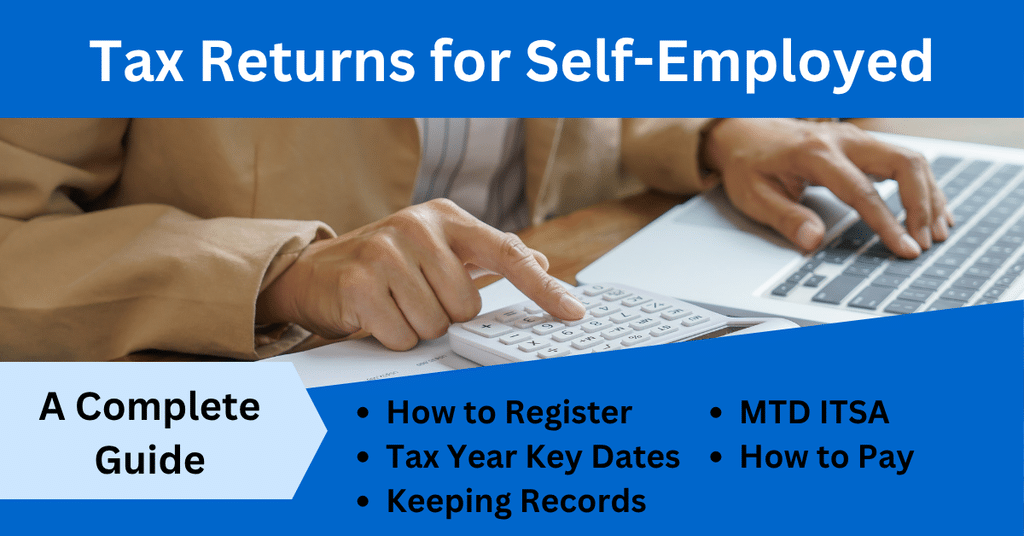
This guide explains who needs to complete a Self Assessment tax return, the key filing deadlines, what records to keep, how to calculate your taxable profit, and how payments on account work.
Making Tax Digital for Income Tax is also changing the process for some sole traders. If it applies to you, you will need to keep digital records, send quarterly updates and submit your tax return using compatible software.
Disclosure: This content may contain affiliate links, which means if you click on them, I may get a commission (without any extra cost to you).
At a Glance
- You may need to file a Self Assessment tax return if your gross self-employment income is over £1,000.
- Self Assessment is part of your tax responsibilities if you are self-employed and meet the filing rules.
- Online tax returns and any tax due are normally due by 31 January following the end of the UK tax year.
- Keep records of your business income, expenses and transactions.
- If MTD for Income Tax applies, you will need digital records and compatible software for quarterly updates.
Who Needs to Complete a Self Assessment Tax Return?
Self-employed individuals usually need to complete a tax return if their gross trading income is more than £1,000 in the tax year, including rental income.
You use the return to report your business income and allowable expenses so HMRC can calculate the Income Tax and National Insurance due.
You may also need to complete a return for other reasons, such as receiving property income, other untaxed income or needing to report certain gains or tax reliefs.
If you are unsure whether you need to file, HMRC has an online checker to help you decide.
Registering for Self Assessment and Your UTR Number
If you need to complete a Self Assessment tax return and are not already registered, you must register with HM Revenue and Customs.
Once registered, HMRC will issue a Unique Taxpayer Reference (UTR). This 10-digit number identifies you for Self Assessment and is normally needed when filing your tax return or contacting HMRC about your Self Assessment record.
Keep your UTR number safe, as you will use the same number each year.
Self-Employed Tax Return Deadlines
The tax year runs from 6th April to the 5 April, and the main deadlines are the same each year:
- 5 October – tell HMRC if you need to complete a tax return and are not already registered
- 31 October – deadline for paper tax returns
- 30 December – deadline if you want eligible tax collected through your PAYE tax code
- 31 January – deadline for online tax returns and payment of any tax due
- 31 July – second payment on account, if applicable
What Records Do You Need for Self-Employment?
A self-employed person needs to keep records that support the figures used for tax purposes. These normally include:
- sales and other business income
- sales invoices
- purchase invoices and receipts
- bank statements
- mileage or vehicle records where relevant
- VAT and payroll records, if applicable
- Pension contributions
You can keep your records on paper, in spreadsheets, in accounting software, or using a combination of these methods, unless Making Tax Digital rules require you to keep specific records digitally.
If you use accounting software, make sure you can still access or export your records if you change provider or cancel the subscription. Before switching, save not only reports and transaction data but also supporting documents such as invoices, receipts and other evidence of income and expenses.
How Long Should You Keep Your Records?
If you are self-employed, you must normally keep your business records for at least 5 years after the 31 January deadline for the relevant tax year. HMRC may ask to see them if they check your return.
This includes the underlying evidence for your figures, such as invoices, receipts, bank statements and other supporting documents. If you submit a tax return very late, different rules can apply, so check HMRC guidance if this affects you.
How Do You Work Out Your Taxable Profit?
For most sole traders, taxable profit starts with:
Business income − allowable business expenses = taxable profit
Include all the income from your self-employment and only claim allowable expenses which are wholly and exclusively for the business. Personal spending, drawings and other disallowed costs do not reduce your taxable profit.
Your bookkeeping records should make it easy to see the income and expenses for the year. You can use our free MTD spreadsheet template if you prefer to keep your records in Excel, or use accounting software for the self-employed if you want features such as bank feeds, invoicing and automatic transaction matching.
Your business profit is one part of your Self Assessment tax return. You may also need to include other income, capital gains tax, allowances, tax reliefs and payments already made so HMRC can calculate your final tax position.
Bridging software can be a good option for sole traders who are comfortable using Excel and have straightforward bookkeeping needs. Full accounting software may be better for businesses that want bank feeds, invoicing, receipt capture, automatic reconciliation or more automation.
How Do You File Tax Returns for Self-Employed?
Most self-employed people file their SA tax return online. You can either use HMRC’s online service or commercial tax software, depending on your circumstances.
If Making Tax Digital for Income Tax applies to you, you need compatible MTD software to keep or connect to your digital records, send quarterly updates and submit your tax return. A complete bookkeeping system such as Xero or QuickBooks can handle record-keeping, bank feeds, invoicing and MTD submissions in one place, which may be easier if you have regular transactions or want to reduce manual bookkeeping.
If you keep your records in Excel, you can use our free MTD spreadsheet template with compatible bridging software. The bridging software connects your spreadsheet figures to HMRC for the quarterly updates and, depending on the provider, the year-end tax return.

Making Tax Digital for Income Tax
Making Tax Digital for ITSA changes how some sole traders and landlords keep records and report income to HMRC.
If it applies to you, you must keep digital records of your business income and expenses, send quarterly updates using compatible software and submit your tax return through MTD-compatible software. Quarterly updates summarise income and expenses, not separate tax returns.
When you need to start depends on your qualifying income. The current thresholds are:
- over £50,000 – MTD applies from 6 April 2026
- over £30,000 – from 6 April 2027
- over £20,000 – from 6 April 2028
You can use full accounting software, such as Xero or QuickBooks, or continue using a spreadsheet with compatible bridging software. HMRC allows both approaches, as long as the software you use can send quarterly updates and submit your tax return.

How Is Your Self-Employed Tax Calculated?
Your Self Assessment tax bill can include more than just tax on your self-employed profit.
HMRC uses the information on your tax return to calculate your overall tax position. This can include:
- profit from self-employment
- other taxable income
- Income Tax
- National Insurance contributions
- Capital Gains Tax, if relevant
- tax already deducted or paid
- allowances and tax reliefs
- payments on account already made
For a sole trader, the starting point is your taxable business profit, but the final bill depends on your total income and circumstances for the tax year.
HMRC’s online service and most tax software calculate the amount due once you complete the return.
Under Making Tax Digital for Income Tax, quarterly updates only report your business income and expenses. At the end of the tax year, you use compatible software to complete the full tax return. This brings together your business figures with any other income, gains, allowances and tax reliefs before calculating the final amount of tax due.

What Are Payments on Account?
Payments on account are advance payments towards your next tax bill. They are usually based on the Income Tax and Class 4 National Insurance due on your previous tax return.
You normally make two payments:
- 31 January – the first payment on account
- 31 July – the second payment on account
Each payment is usually half of the previous year’s relevant tax bill. Pay any remaining amount as a balancing payment by the following 31 January.
You may not need payments on account if your previous year’s tax bill was small or if most of your tax was already collected at source.
If you expect your income or profit to fall, you can ask HMRC to reduce your payments on account, but you may have to pay interest if you reduce them too far.
Paying Your Tax Bill
Your Self Assessment tax bill is due on 31 January after the end of the tax year. If payments on account apply, a second payment may also be due on 31 July.
HMRC offers several ways to pay, including online banking, debit card and Direct Debit. The time it takes for a payment to reach HMRC varies, so check the payment method and allow enough time before the deadline.
Your bill may include:
- Income Tax
- Class 4 National Insurance
- a balancing payment for the previous tax year
- the first payment on account for the next tax year
If you cannot pay the full amount on time, contact HMRC as soon as possible. You may be able to arrange a payment plan, but HMRC may still charge interest on late payments.
What Happens If You Miss the Deadline?
If you miss a filing or payment deadline, HMRC can charge penalties and interest.
For taxpayers using Making Tax Digital for Income Tax, late-submission penalties are moving to a points-based system. You receive points for missed submission deadlines, and once you reach the relevant threshold, HMRC charges a financial penalty.
If you are still under the existing rules, filing a tax return late can result in an initial £100 penalty, with further penalties if the return remains outstanding.
FAQs
Related Pages
- Self-Employed Bookkeeping
- Free Cash Book Template
- Free MTD Spreadsheet Template
- Making Tax Digital for Income Tax
- Best Accounting Software for Self-Employed
- Bookkeeping Basics
Disclaimer
The content provided on this page is for informational purposes only and should not be considered tax advice. You should always speak to a qualified professional before making decisions concerning your Self-Assessment return.